
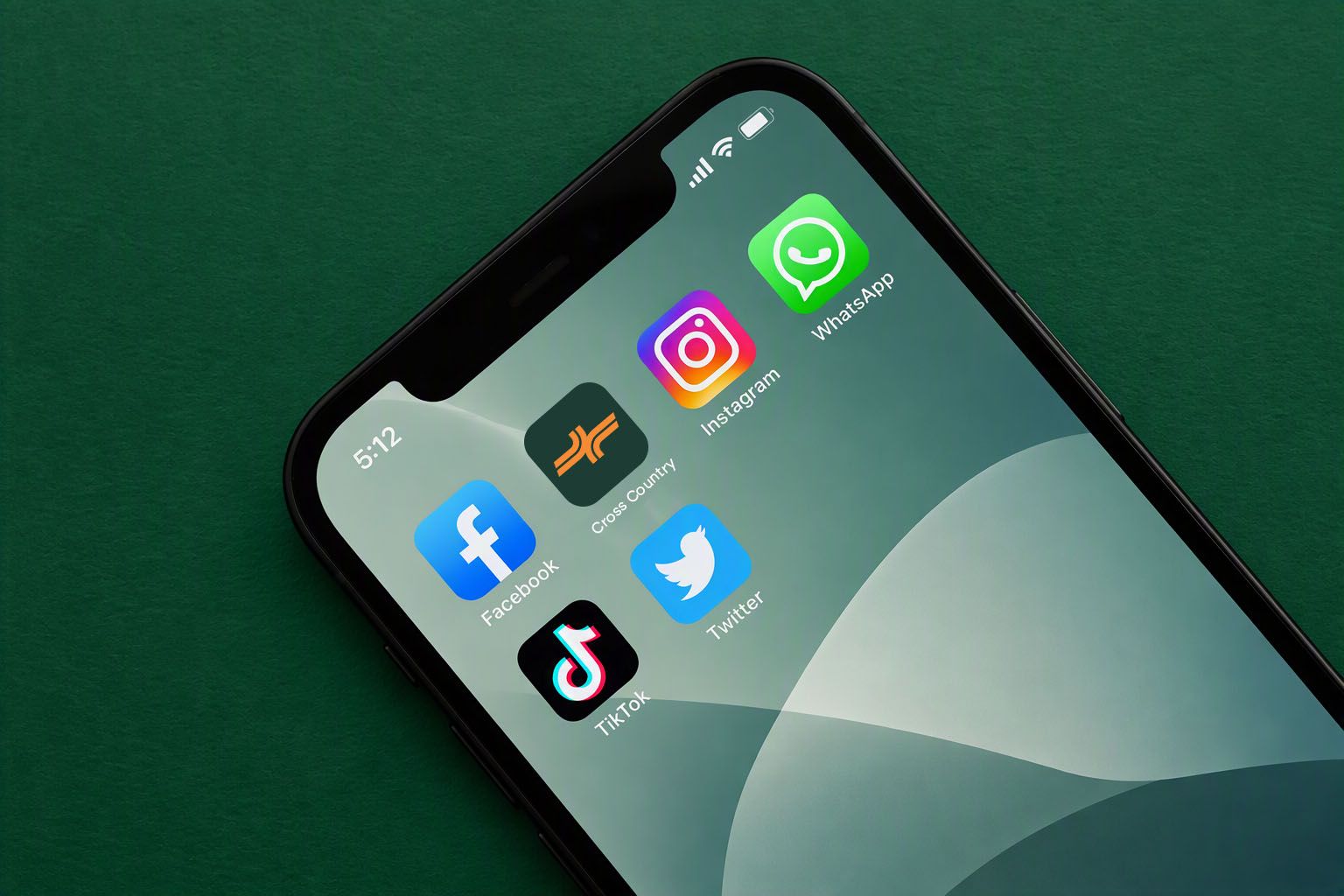
Cross Country, one tap away.
Add Cross Country to your phone’s Home Screen for quick access whenever you need us. There’s nothing to download from an app store. Just add our website to your Home Screen and you’ll have a Cross Country icon ready to go.
How we work
Our website. Right there when you need it.
If you use Cross Country regularly, adding us to your Home Screen gives you a quicker way back without searching for the website each time.
Tap the Cross Country icon and you’re straight in.
No app to download.
Quick to set up.
Easy to remove whenever you like.
How to install
Android
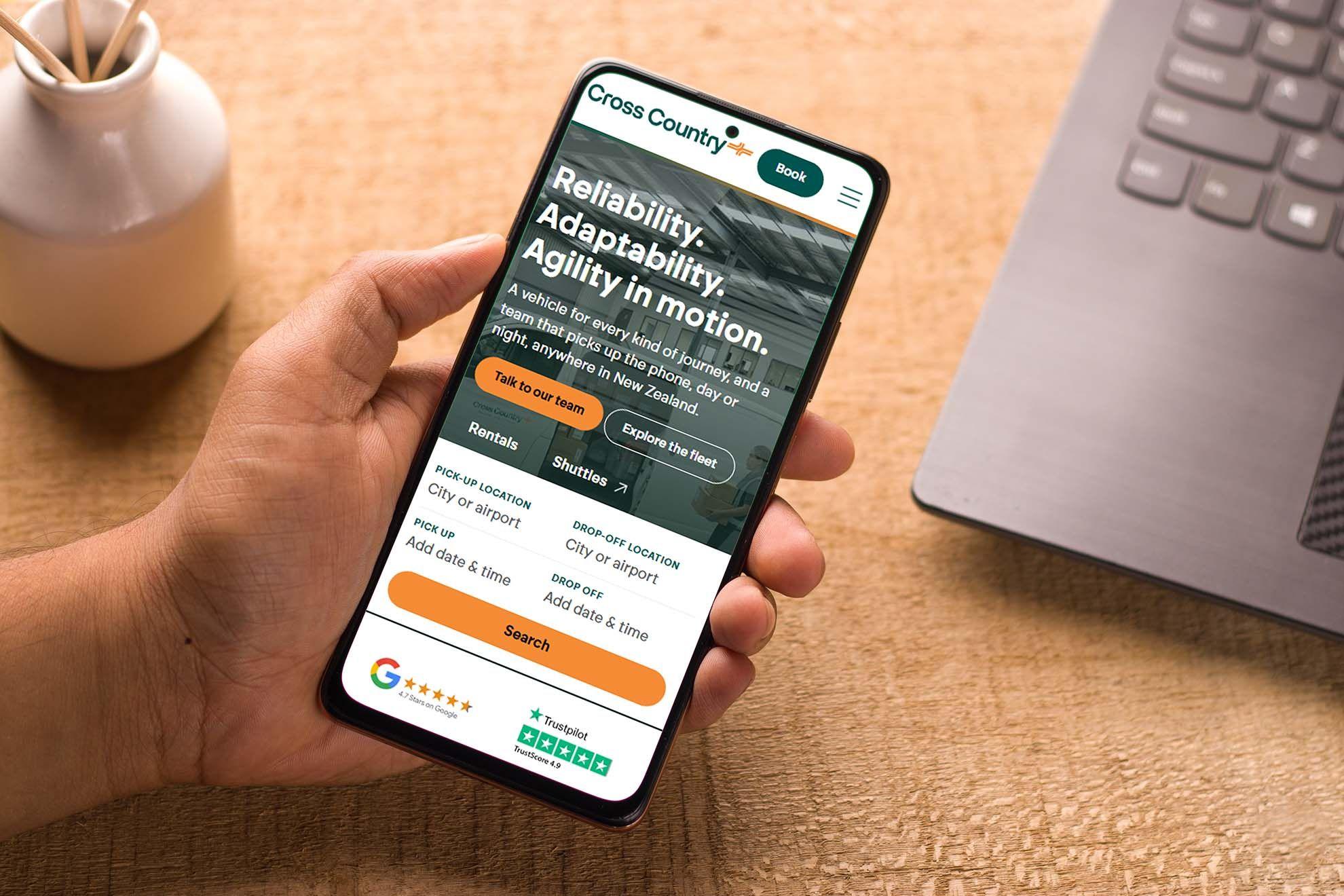
Install Cross Country on your Android Home Screen for a quicker way to get back to the website. Once added, simply tap the Cross Country icon on your phone whenever you need us.
- Open the Cross Country website on your Android phone.
- Tap the three-dot menu. This opens the options available for the website.
- Select Install and create shortcut, then follow the prompt on your screen.
- Once installed, the Cross Country icon will be available from your phone. Tap it whenever you want quick access to Cross Country.
How to install
iPhone / iPad
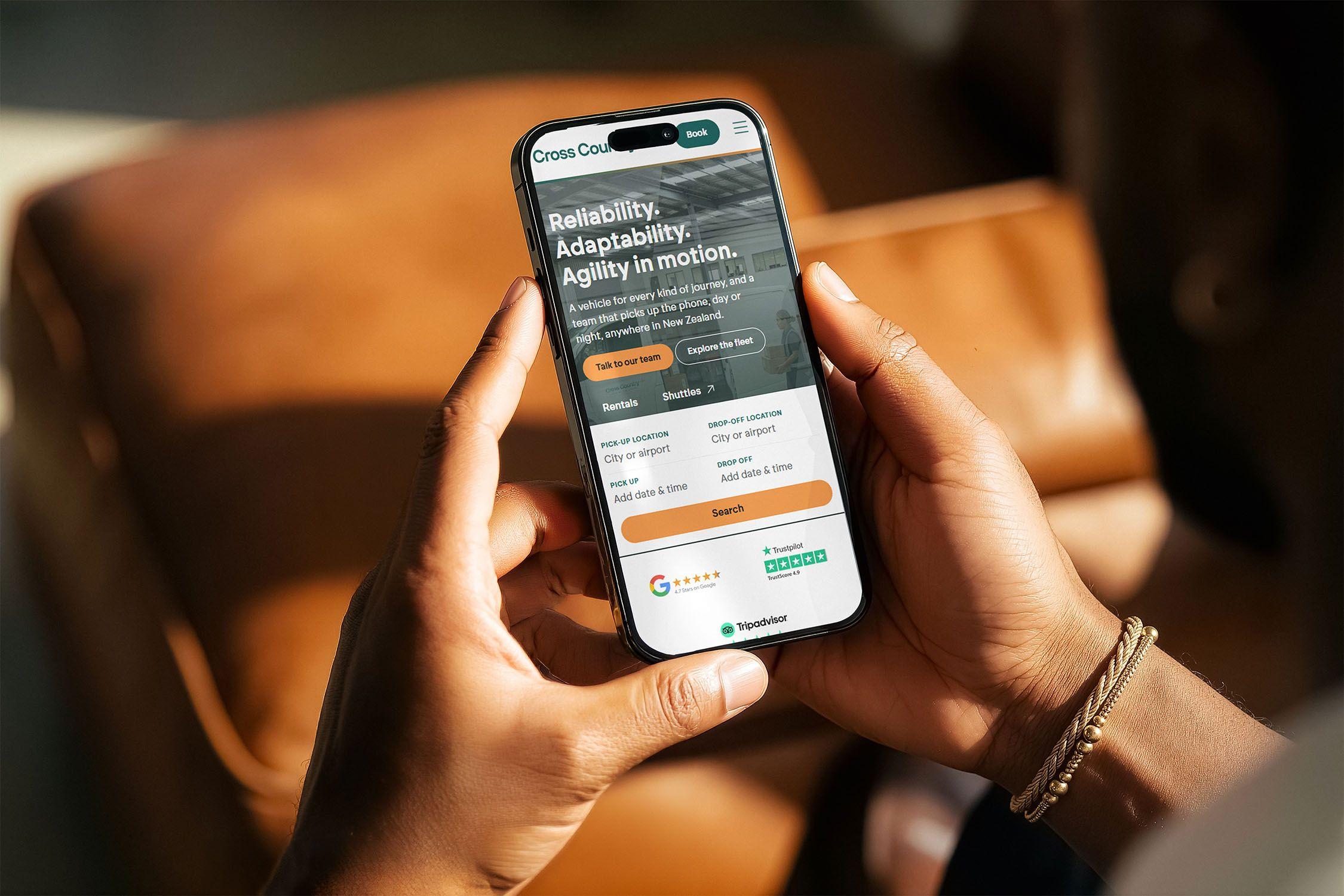
Add Cross Country to your Home Screen for quick, one-tap access whenever you need us. It gives you an app-like way to open the website without needing to search for it each time.
- Open the Cross Country website on your iPhone or iPad in your preferred browser.
- Tap the Share icon in your browser. This is usually the square icon with an arrow pointing upwards.
- Scroll through the available options and select Add to Home Screen. You’ll see a preview of the Cross Country icon and name that will appear on your phone.
- Tap Add to finish. The Cross Country icon will now appear on your Home Screen, so next time you can simply tap the icon to get straight back to us.
From our customers